Why Vapes Have LED Indicators: A Clear Guide
Why Vapes Have LED Indicators: A Clear Guide
LED indicators on vape devices are status lights that communicate battery level, power mode, and safety alerts without a screen. That single function explains why vapes have LED indicators on nearly every device sold today, from basic disposables to advanced rechargeable mods. These lights are not decorative afterthoughts. They are the primary way a vape tells you what is happening inside it. Understanding what each color and blink pattern means gives you real control over your device and keeps you safer every time you use it.
What functions do LED indicators serve in vape devices?
LED indicators serve as the main communication system between a vape device and the person using it. On devices without digital displays, which covers most disposables and many pen-style vapes, the LED is the only feedback tool available. LED indicators function as the brain interface for screenless devices, extending hardware lifespan and protecting user safety.
The purpose of LED indicators in vapes breaks down into four core functions:
- Battery level display. Green typically signals a full or high charge. Yellow or blue signals a mid-range charge. Red signals low battery and means you should charge soon.
- Error and safety warnings. Rapid blinking sequences alert you to short circuits, connection faults, or overheating. LED signals prevent device failure by triggering protective cutoffs before damage occurs.
- Power or voltage mode indication. On variable-voltage devices, color changes tell you which power setting is active. Pressing the fire button multiple times cycles through modes, and the LED color confirms the change.
- Draw feedback. Many devices light up during each puff to confirm the device is firing correctly. This is especially useful when you are troubleshooting a weak hit.
Pro Tip: If your LED lights up during a draw but vapor production feels weak, the issue is likely a depleted coil or low e-liquid rather than a battery problem. The LED confirms the device is firing, which narrows the diagnosis immediately.
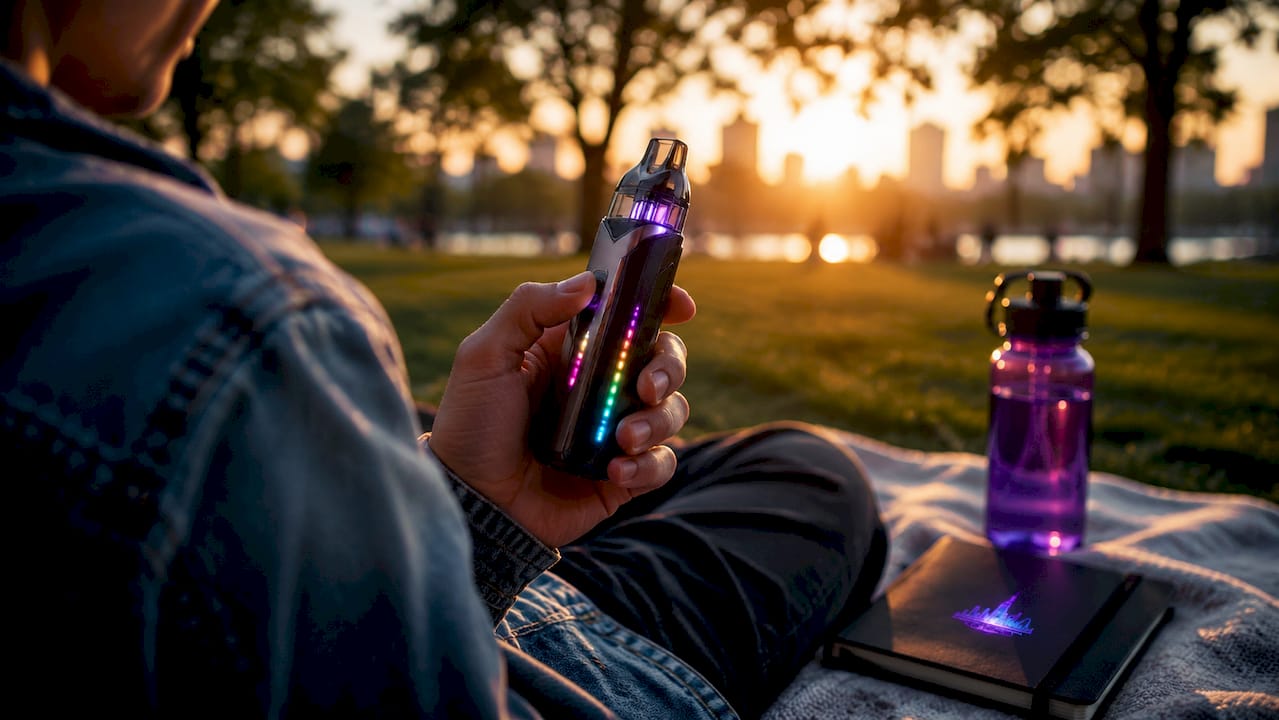
Modern devices take this further. Multi-segment LED arrays with 8–16 individual segments create draw-aware animations that respond in real time, giving users richer feedback than a single dot of light ever could.

How to read LED blink patterns and colors on your vape
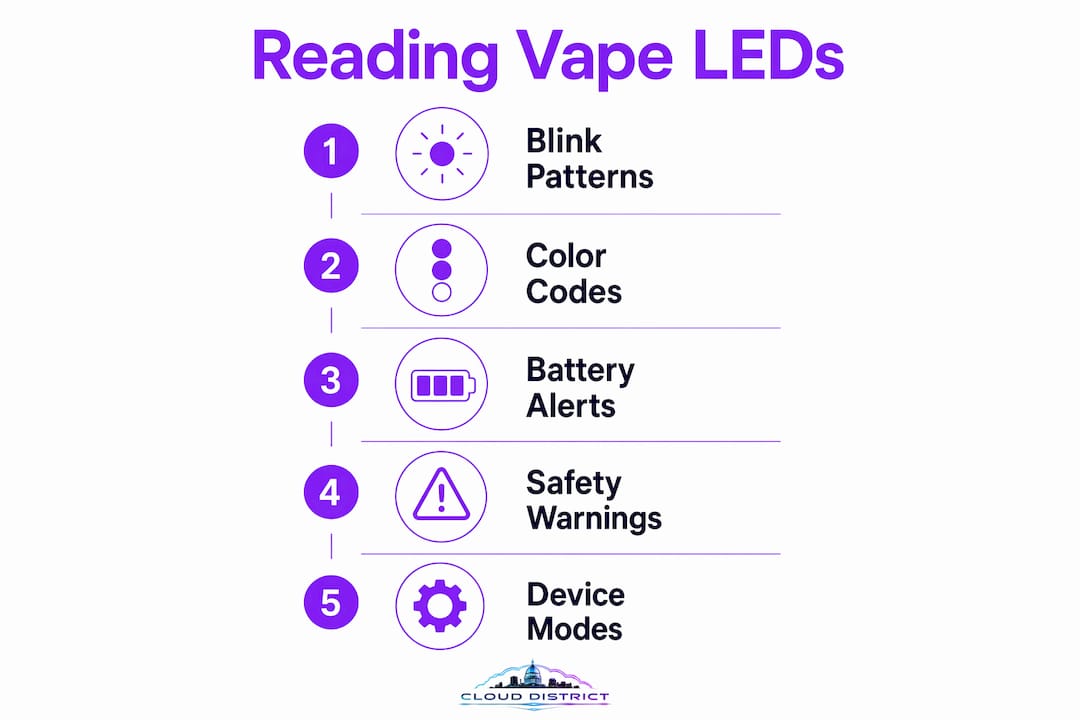
Blink patterns follow conventions that are consistent enough across most devices to learn once and apply broadly. A blinking light is a diagnostic code, not a random malfunction. Knowing the code tells you exactly what to do next.
Here is how to decode the most common signals:
- 3 rapid blinks. This is the most universal warning in vaping. Three rapid blinks signal low battery on the majority of devices. Plug in your charger before doing anything else.
- 10 or more rapid blinks. This sequence flags a hardware fault or safety cutoff. The device has detected a short circuit, an overheating condition, or a connection problem. Stop using it and inspect the contacts.
- Slow, steady blinking while charging. This is normal. The device is receiving power. When the light turns solid or changes color, charging is complete.
- Solid light during a draw. The device is firing normally. No action needed.
- No light at all. Either the battery is fully dead, or there is a connection fault between the battery and the pod or cartridge.
Pro Tip: Before assuming your device is broken, charge it fully. Charging resolves most false fault signals caused by low voltage. A battery that reads as a hardware error at 5% charge often clears the error completely at full charge.
Color logic adds another layer of information on top of blink patterns. Green means high battery or correct operation. Red means low battery or an active error. Blue often indicates a mid-level charge or a specific power mode. Some devices use white for full charge and purple for the lowest voltage setting. Check the brand-specific LED meanings for your exact device if the standard conventions do not match what you are seeing.
Cleaning the contacts between the battery and the pod is the second most effective troubleshooting step after charging. Residue buildup on metal contacts causes false connection errors that show up as blink warnings. A dry cotton swab clears most buildup in under a minute.
Why do vape manufacturers add LED indicators beyond basic function?
LED design is a deliberate branding and experience decision, not just an engineering necessity. LED integration is a strategic design choice that differentiates brands and creates emotional engagement with users. The functional benefits of LED vape indicators are real, but manufacturers know that how a device looks and feels in your hand drives purchase decisions as much as specs do.
Several motivations drive LED design choices:
- Brand identity. Unique LED patterns, colors, and animation sequences make a device instantly recognizable. A specific glow pattern becomes associated with a brand the same way a logo does.
- Appeal to style-conscious users. The evolution toward experience-based LED design caters to younger demographics who value both clarity and aesthetics. A device that pulses with light during a draw feels more premium than one that does nothing.
- Immersive feedback loops. LED animations that respond to each draw create a sensory connection between the user and the device. That feedback loop increases satisfaction and perceived quality.
- Differentiation without added bulk. Adding a screen increases device size and cost. LED arrays deliver rich visual feedback in a thin, lightweight form factor.
“The evolution toward experience-based LED design serves both functional clarity and brand aesthetics, catering to younger demographics focused on style and ease.”
The role of design in vape selection has grown significantly as the market has matured. Vapers now expect devices to look as good as they perform. LED indicators sit at the intersection of those two demands, delivering real information in a visually compelling way.
LED indicators on disposable vapes: what the lights mean
Disposable vapes rely on LED indicators more heavily than any other device category. They have no screens, no adjustable settings, and no user-serviceable parts. The LED is the only tool the device has to tell you what is happening.
The most common signal on a disposable is a blinking light at the end of a draw. A blinking LED on a disposable generally means the battery cannot heat the coil, even if some e-liquid remains. The device is done. Continuing to draw on it will not produce vapor and may cause the coil to burn dry.
| LED signal | What it means | Recommended action |
|---|---|---|
| Blinks during draw | Battery depleted or e-liquid finished | Dispose of device responsibly |
| Solid light during draw | Device firing normally | No action needed |
| No light at all | Battery fully dead | Dispose of device responsibly |
| Rapid blinks on activation | Short circuit or connection fault | Stop use immediately |
| Light stays on after draw | Possible auto-fire fault | Stop use immediately |
Understanding these signals prevents two common mistakes. The first is discarding a device that still has charge because a single blink confused the user. The second is continuing to use a depleted device and getting a dry, burnt hit. The LED removes the guesswork entirely when you know what each signal means. For a full breakdown of disposable-specific terms, the disposable vape terminology guide at Cloud District covers the key concepts clearly.
Most blinking lights on disposables resolve to one of two causes: dead battery or finished e-liquid. Neither requires troubleshooting. Both require disposal. Recognizing the signal fast means you replace the device on your schedule, not mid-session.
Key Takeaways
LED indicators are the primary status communication system on vape devices, delivering battery, safety, and mode information through color and blink patterns that any vaper can learn to read in minutes.
| Point | Details |
|---|---|
| Core LED function | LEDs replace screens by communicating battery level, power mode, and error alerts in real time. |
| Blink pattern logic | Three rapid blinks signal low battery; ten or more blinks indicate a hardware fault or safety cutoff. |
| Color conventions | Green means high battery or normal operation; red signals low battery or an active error. |
| Disposable vape signals | A blinking LED during a draw on a disposable means the battery or e-liquid is depleted. |
| First troubleshooting step | Charge the device fully before diagnosing any blink warning, as low voltage causes most false fault signals. |
What I have learned from watching vapers misread their devices
Most vapers I have talked to treat a blinking light as a sign something is broken. That instinct costs them money and causes unnecessary frustration. The reality is that blinking lights are diagnostic language, not failure notices. A device blinking three times is doing exactly what it was designed to do. It is telling you to charge it.
The misinterpretation I see most often is with disposables. A vaper gets a few blinks mid-session, assumes the device is defective, and throws it away. In many cases, the device was simply done. The LED did its job perfectly. The user just did not know the code.
Routine awareness of LED signals also changes how you maintain a device. When you recognize a connection error blink, you clean the contacts instead of buying a replacement. When you see a low-battery warning early, you charge before the device cuts out. Those small habits extend device life and reduce the chance of a safety incident caused by running a battery to zero repeatedly.
My honest recommendation is to spend two minutes reading the LED guide for any new device you pick up. The features of premium vapes vary by brand, and LED conventions are not perfectly universal. Knowing your specific device’s color and blink logic turns a confusing light show into a clear, useful readout every time.
— Justin
Cloud District has devices that speak your language
Cloud District carries vape products where the LED indicators are designed to be read at a glance, not decoded with a manual.

The Pulse Strawberry Kiwi Thermal Edition is a strong example. It pairs a clean LED status system with a flavor profile that holds up across a full charge cycle. For vapers who want style alongside clear device feedback, the RIA Sour Strawberry Dragon delivers both in a compact form. Cloud District’s rewards program, Cloudz, earns you points on every purchase. Browse the full catalog at clouddistrict.club and pick up locally with no wait.
FAQ
Why is my vape blinking when I try to use it?
A blinking vape is sending a diagnostic signal. Three rapid blinks typically mean low battery, while ten or more blinks indicate a hardware fault or safety cutoff. Charge the device first before assuming a deeper problem.
What do the different LED colors mean on a vape?
Green signals a high or full battery. Red signals low battery or an active error. Blue often indicates a mid-level charge or a specific power mode. Color conventions vary slightly by brand, so check your device’s guide for exact meanings.
Why does my disposable vape blink when I draw on it?
A blinking LED during a draw on a disposable means the battery cannot power the coil. The device is depleted and should be disposed of responsibly, even if some e-liquid appears to remain.
Do LED indicators serve any safety purpose?
LED indicators act as safety warnings by signaling low voltage, short circuits, and overheating conditions. These signals trigger protective cutoffs that prevent device damage and reduce the risk of battery-related hazards.
Are LED blink patterns the same on every vape?
Most devices follow common conventions, such as three blinks for low battery, but patterns are not perfectly universal. Checking the LED guide for your specific brand gives you the most accurate reading of what each signal means.